
labs/nmap-evasion-cheatsheet.mdx
Nmap Evasion, Speed & Balance Cheatsheet
A quick lab reference for authorized Nmap scanning profiles, timing controls, discovery choices, scan types, source tricks, version scanning, and resumable output.

$ cat ./labs/nmap-evasion-cheatsheet/index.mdx --section notesLoaded local, published lab content from the repository.
Quick reference for authorized engagements. Evasion depends on the target, so these are building blocks, not gospel. Read the network, then pick your rate. Keep -oA on everything.
Three profiles to copy
1# STEALTH, slow, narrow, blends in. For monitored networks with a real SOC.2sudo nmap -sS -Pn -n -p 21,22,25,53,80,110,135,139,143,443,445,3389,8080,8443 \3 --max-rate 10 --scan-delay 1s --max-retries 1 --randomize-hosts -g 53 \4 -oA stealth scope.txt5 6# BALANCED, reasonable speed, still quiet. The everyday default.7sudo nmap -sS -Pn -n --top-ports 200 \8 --max-rate 200 --max-retries 2 --randomize-hosts -g 53 \9 -oA balanced scope.txt10 11# FAST (but clean), clock's running, drop noise you don't need, let rate climb.12sudo nmap -sS -Pn -n --top-ports 200 \13 --min-rate 1000 --max-retries 2 --randomize-hosts \14 -oA fast scope.txtProfile the defenses first
1nmap -sA -p1-1024 -n -Pn target # ACK scan: "filtered" => stateful firewall in path2nmap -sW -p1-1024 -n -Pn target # Window scan: splits open/closed on some firewalls3nmap -sS --badsum -p80,443 -n -Pn tgt # replies to bad checksums => inline IDS/IPS, not the hostDiscovery & DNS (kill the obvious tells)
1-Pn # skip host discovery, assume host is up (no ping sweep)2-n # no reverse DNS: stops PTR lookups landing your targets in their logs3-sn -PS443,80 # ping sweep only, using ports that look like normal traffic4--dns-servers a,b # resolve through servers you choose, not theirsTiming & rate (the real speed/stealth dial)
1--max-rate 10 # cap packets/sec, the single best stealth knob2--min-rate 1000 # floor packets/sec, push speed when stealth isn't the goal3--scan-delay 1s # wait between probes to a host4--max-retries 1 # don't retransmit into rate-limited ports and triple your footprint5--host-timeout 15m # stop wasting time on dead/slow hosts6--randomize-hosts # don't walk the subnet in order (classic flow-log pattern)7-T0 / -T1 # paranoid / sneaky presets: very slow, whole-scan8-T4 # aggressive: fast and loudScan types (pick your log surface)
1-sS # SYN half-open: fewer application-layer logs (needs root)2-sT # full connect: completes handshake; use over proxychains/SOCKS3-sU # UDP: slow and noisy, pair with --top-ports4-sI zombie:port # idle scan: your source IP never appears (needs a good zombie)5-sF / -sN / -sX # FIN / NULL / Xmas: legacy filter evasion, mostly dead vs statefulIdentity & source tricks
1-g 53 # source port 53 (or 88, 443): abuses "allow trusted port" firewall rules2-D d1,d2,ME,d3 # decoys, seed them from the target's OWN ranges to blend in3-D RND:5 # random decoys: avoid against anything with active blocking4-S <ip> -e <iface> # spoof source IP: only useful on-path or alongside an idle scan5--spoof-mac 0 # random MAC (LAN only): dodges NAC / MAC allowlistsFragmentation & padding (mostly theater, cheap to try)
1-f / -ff # fragment packets into 8 / 16-byte pieces2--mtu 16 # custom fragment size (multiple of 8)3--data-length 32 # pad packets to shift off a default size signatureVersion & scripts (where quiet scans get loud)
1-sV --version-intensity 2 # light banner grab instead of the full probe set2--script "safe and not intrusive" # curate NSE; never fire raw -sC blindlyCut the time
1--top-ports 100 # statistically most common ports2-p 80,443,22,445 # only the services that actually get you somewhere3--open # show open ports only: cleaner output, less to readKeep the scan alive & logged
1tmux new -s recon # run inside a multiplexer; Ctrl-b d to detach, tmux attach -t recon2nohup sudo nmap ... & # or background it so a dropped session doesn't kill the scan3nmap --resume scan.gnmap # resume a scan that died mid-run (from -oA output)4-oA basename # save normal + grepable + XML. Always.The balance, in one line
Monitored network with a tuned IPS: slow --max-rate, few ports, decoys from their own CIDRs. Flat, unwatched network: just go fast. Watch the early probes, resets, rate limiting, latency spikes, and let the environment set your speed.
Lab timeline
References
Related labs
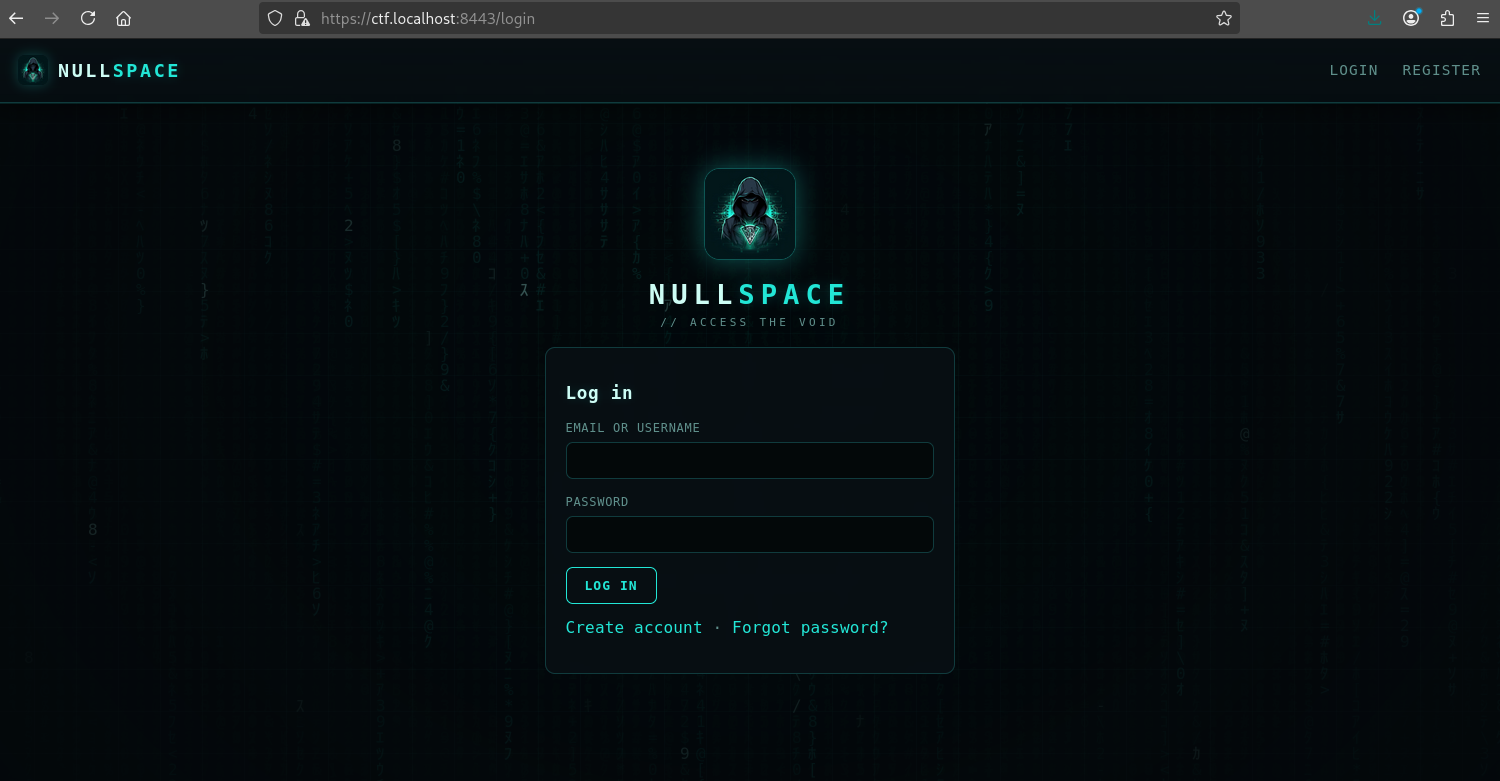
NullSpace: Building a Local CTF Environment That Fights Back
A practical build writeup for a self-hosted CTF platform using FastAPI, PostgreSQL, Redis, React, Docker Compose, isolated vulnerable challenge apps, per-team flags, and an admin bot.